
Module 1
Set up
You get your account ready before you build anything.
- +A quick tour of your account
- +Your business profile
- +Your own email sending domain, so your emails land in the inbox
// The Studio System, open now
You can already get a decent page out of Claude. This course shows you the bit after the page, all inside AI Studio. That means your own domain, an enquiry page with your booking calendar built in, and follow up that runs by itself.
£197 for Black Friday, then £297 from 1 December
For coaches and service business owners who are on GoHighLevel / System Stack CRM, or just getting started with it.
// The bit nobody shows you
You've worked out how to get Claude to spit out a decent HTML page. Fair play, because most coaches never get that far. But then what?
It sits on Netlify with a random URL nobody trusts. Or it gets pasted into a GoHighLevel HTML block with no favicon and no page titles.
It looks fine, but nobody gets a reply, nobody gets booked in, and nobody gets reminded to turn up.
A Stripe link on a button can look like it came from nowhere. Baymard Institute found that 19% of shoppers have abandoned a checkout because they didn't trust the site with their card details.
// Why AI Studio
Inside AI Studio, I'll show you how to build the whole thing in one place. You end up with a system that brings in leads and closes sales while you're coaching.
What you'll have joined up
// 9 o'clock at night
This is one of the workflows you'll build. The email goes out on its own with your booking link, and you get told. When they book, another one sends the confirmation and the reminders.
// What's in it
Module 1
You get your account ready before you build anything.
Module 2
You build it one section at a time, so it doesn't look like every other AI site.
Module 3
You sort the stuff everyone skips.
Module 4
You stop chasing people by hand.
Module 5, optional
Only if people buy straight from your page.
Module 6
You find the holes before your clients do.
You also get the AI Studio prompt library, with copy and paste prompts for every page and asset in the course.
// How it works
I do each step on screen first, so you can see what it should look like.
Copy the prompt from under the video, fill in your details, and paste it in.
Every lesson ends with a "done when" line. Once yours does that, you move on.
// Who it's for
// Who's teaching it
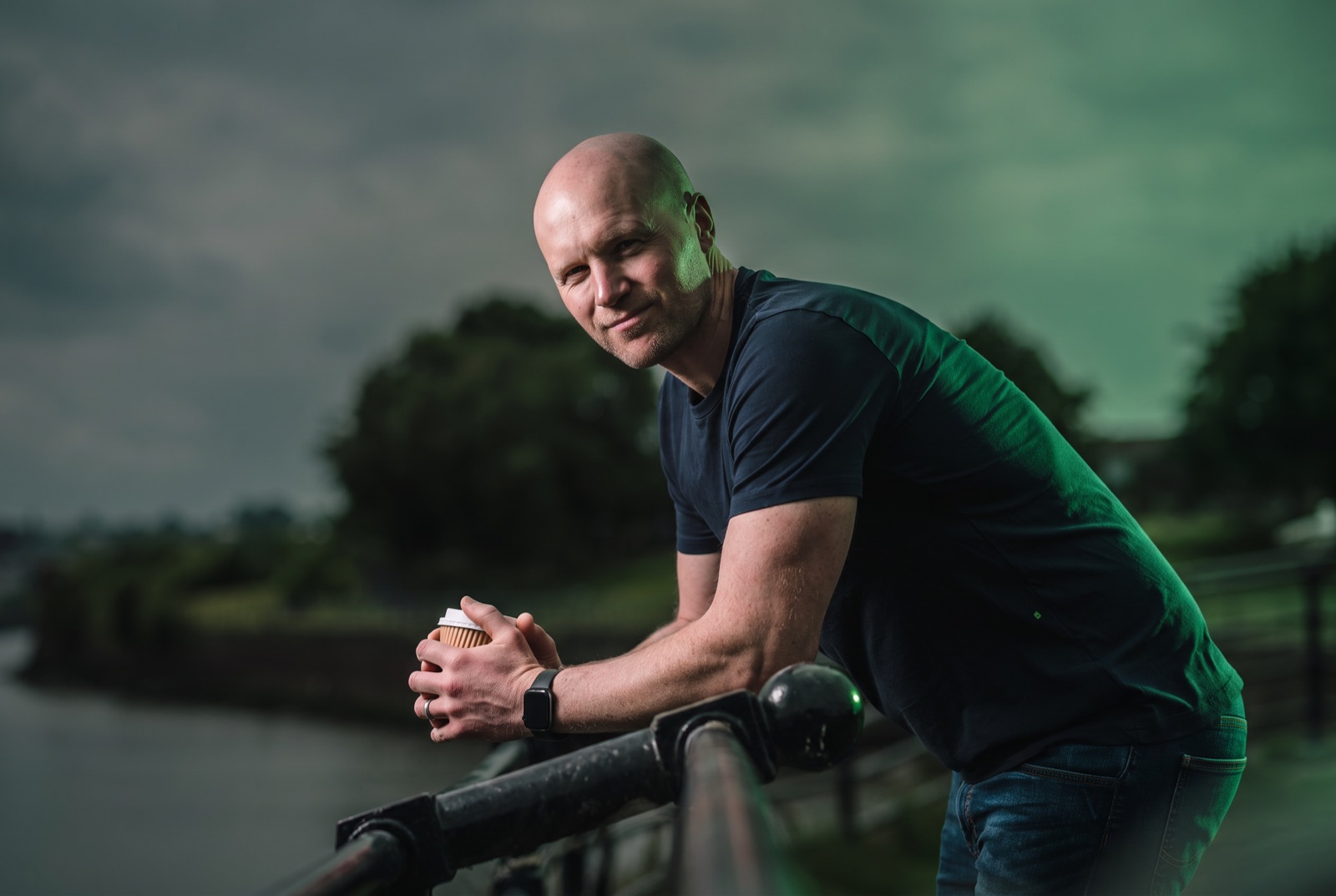
I'm Graham. Most people call me G.
I was a coach before any of this. Other coaches kept asking who my designer was, and the answer was me.
These days I build the websites, funnels and systems that coaches and service businesses run on. I've also built my own funnel pages in AI Studio, so I'll be showing you what I actually do. This page runs on it too.
I'm based in a small town in Lancashire, and I'd rather you understood your system than relied on me for it.
// What it costs
You pay once, and you get everything below for 12 months. The course is open now.
The Studio System
£197Black Friday price, then £297
The Black Friday price runs until 30 November.
Yes, because AI Studio lives inside GoHighLevel / System Stack CRM. If you're not on it, email me anyway, because there's a way round it.
No. The main path is an enquiry form that leads to a booked call. If you sell high ticket 1:1, you can swap the form for a short application. Module 5 is only for you if people buy a low ticket offer straight from your page.
Yes. Module 1 starts with finding it in your account, and I do every step on screen before you do it on yours.
Most of your time goes on building rather than watching. Domain changes and connecting a payment provider can take a little while, so don't leave it until the night before you need it.
You'll want to know what you're selling and who it's for. Have your logo, colours, photos and domain to hand. If you'll sell from a checkout in Module 5, you'll also need Stripe or PayPal.
Reply to any of my emails and I'll point you in the right direction. If you'd rather I built the whole thing for you, book a call.
You get 12 months of access from the day you buy.
Yes, you've got 14 days to ask for a refund.
A calendar link on its own doesn't follow anyone up. A system replies to every enquiry, books the call, reminds them to turn up and tells you who's coming.
£197 until 30 November, then £297.